Back up your phone before any repair: a ten-minute checklist
Most repairs never touch your data. Back up anyway — it costs ten minutes and removes the only part of a repair that cannot be undone.
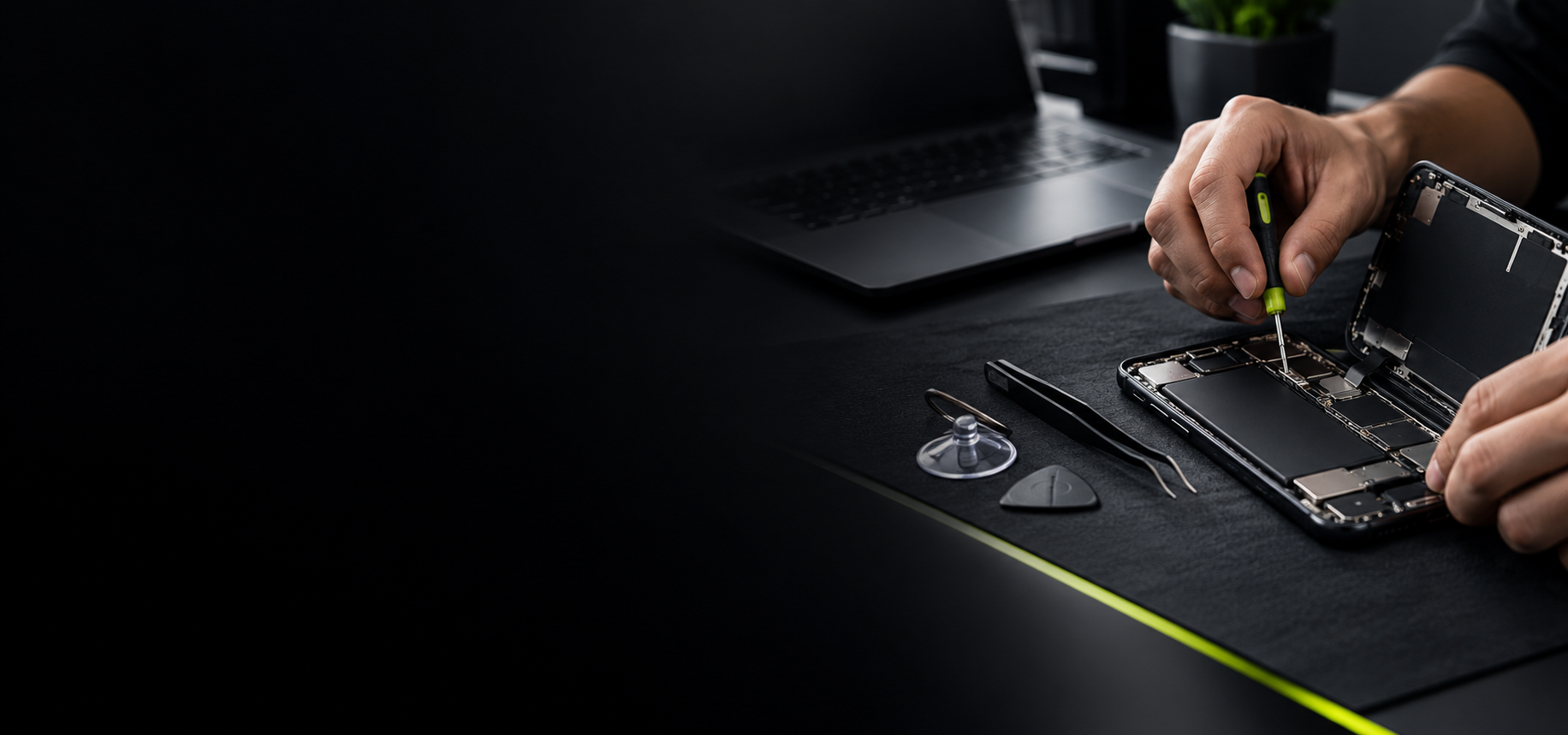
A screen replacement does not touch your photos. Neither does a battery, a port or a camera. But a device that comes in for one fault sometimes turns out to have two, and the second one occasionally involves the board. Ten minutes of backing up removes the only part of a repair that cannot be undone.
If the phone still works
- Connect to Wi-Fi and leave the phone on a charger — a backup will not start on a low battery
- iPhone: Settings → your name → iCloud → iCloud Backup → Back Up Now, and wait for the timestamp to update
- Android: Settings → Google → Backup → Back up now, then check the date it reports
- Open your photo app and confirm the sync finished rather than assuming it did
- Note down anything living only on the device: WhatsApp needs its own backup, and so do authenticator apps
That last point catches people out. Two-factor authenticator apps usually do not travel in a normal backup. If you rely on one, open it and use its own export or transfer feature before the device leaves your hands.
If the screen is broken
A phone with a dead screen is not necessarily a phone with dead data. Plug it into a computer: if the device is unlocked and trusted, the photo folder may still be reachable. If it is locked, it will not be, and that is the point at which the repair has to come first.
Bring the charger and tell us what has not been backed up. We will prioritise getting the display working so that you can back up before anything else is attempted.
Tell us what is not backed up before we start. It changes the order we do things in, and occasionally it changes what we recommend.
About passcodes
We ask for a passcode on repairs that need testing after the work — a screen has to be swiped to be verified, a camera has to be opened. You are entitled to refuse, and the trade-off is that some testing then happens with you present at collection instead.
Either way, change it afterwards if it would make you more comfortable. That is a reasonable thing to do and nobody will be offended by it.
What to take off the device
- Your SIM card and any memory card
- Cases and screen protectors, which are often damaged on removal
- Anything attached to the charging port
Book a repair when the backup has finished, and bring the device with as much charge as it will hold.
Related articles
Your laptop is hot and loud: what the fan is telling you
A fan at full speed is a symptom, not a fault. Here is how to read it — and the one piece of maintenance that fixes most cases.
What to do in the first ten minutes after water damage
What happens in the first ten minutes decides whether a soaked phone is a clean-up or a board replacement. Do not turn it on to check. Corrosion needs water and current. Take the current away and you…
Charging slowly? Check these four things before buying a battery
Slow charging is more often the cable, the port or the adapter than the battery. Four checks, in the order worth doing them.